 Ferriskey
Password Policy
Each realm carries its own password policy, stored separately from the rest of the realm settings and edited on its own screen. It is enforced everywhere a password is set: registration, an administrative reset, and a user changing their own.
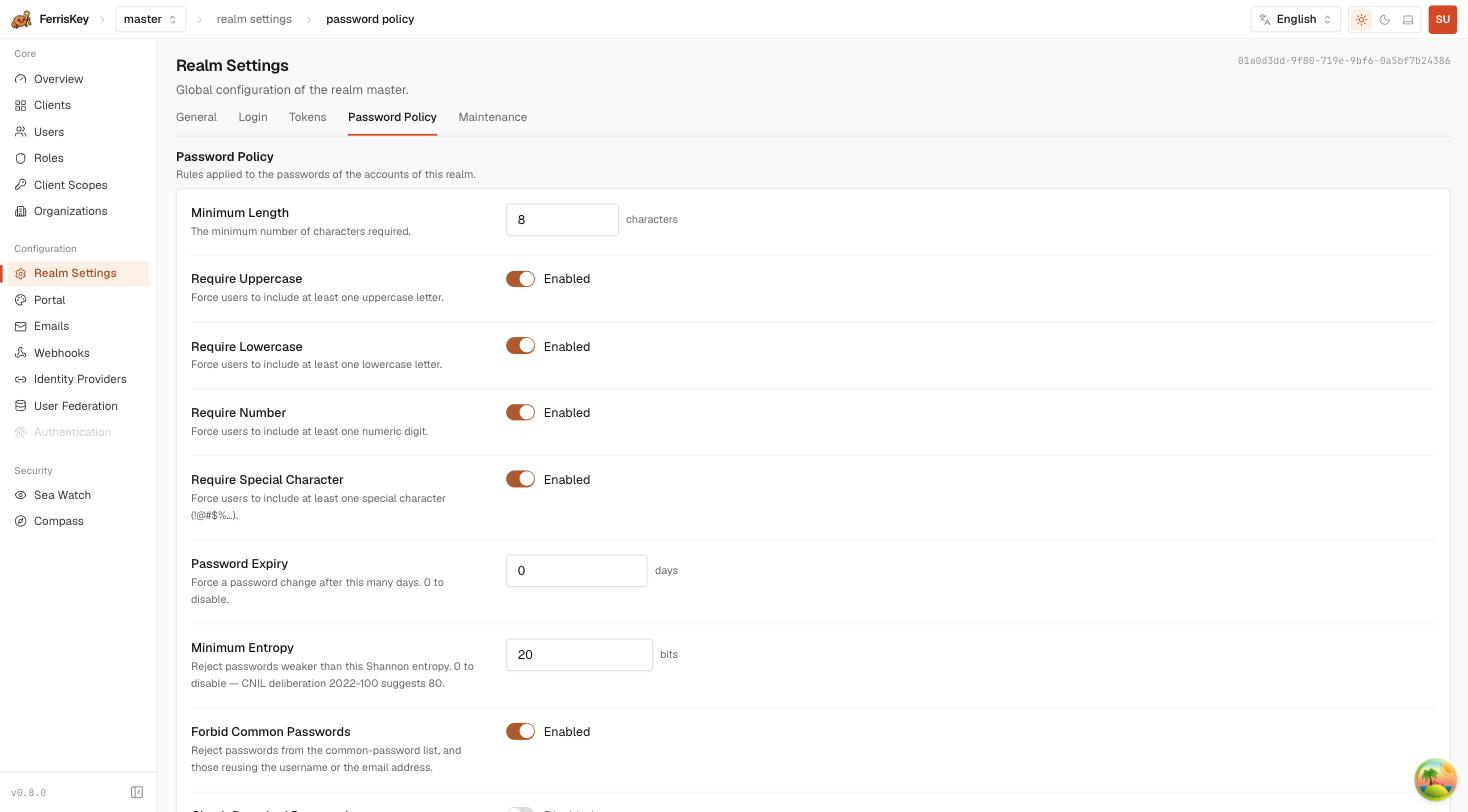
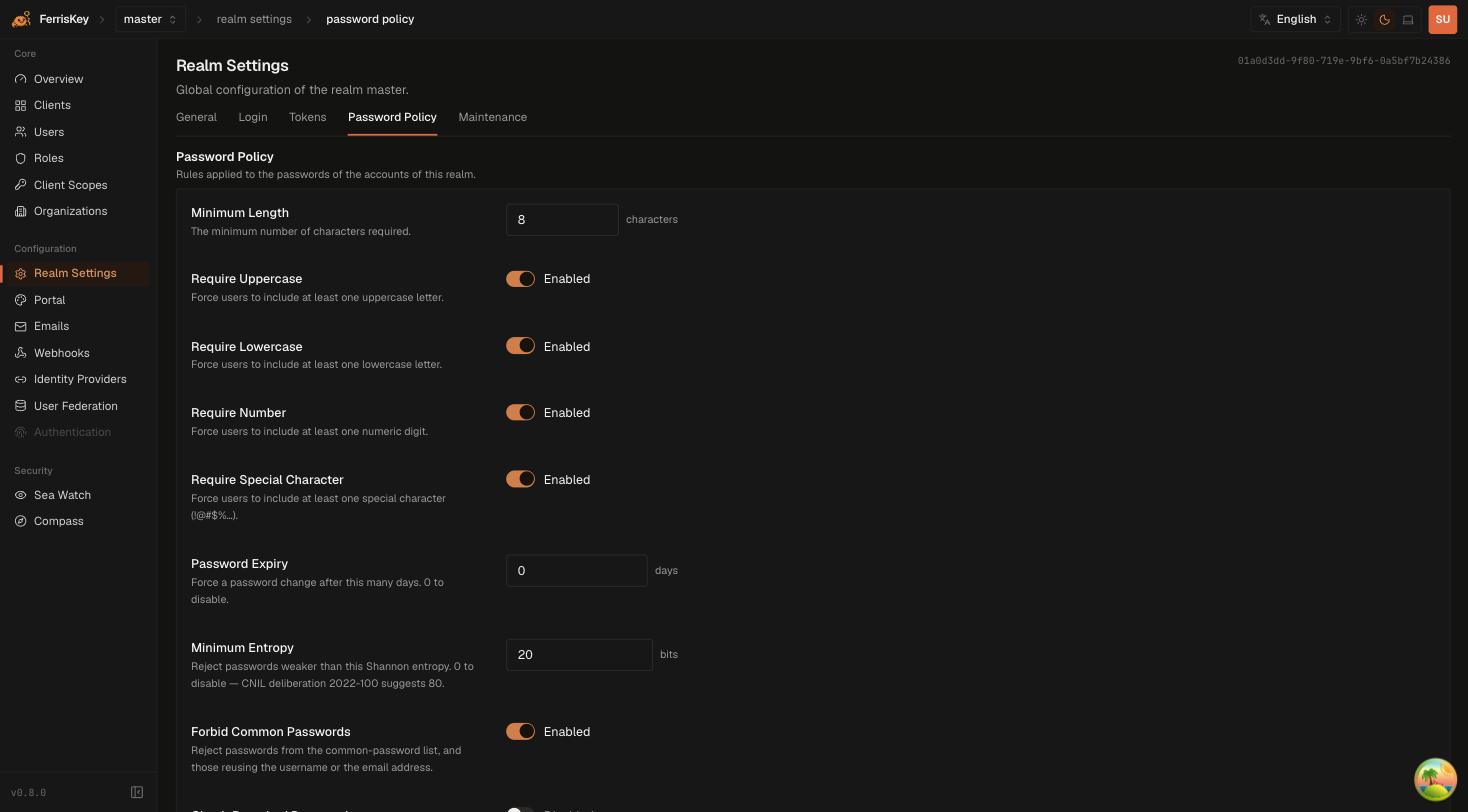
The rules
| Field | Default | Description |
|---|---|---|
min_length | 8 | Minimum number of characters |
require_uppercase | true | At least one uppercase letter |
require_lowercase | true | At least one lowercase letter |
require_number | true | At least one digit |
require_special | true | At least one special character |
max_age_days | 0 | Force a change after this many days. 0 disables expiry |
min_entropy_bits | 20 | Reject passwords weaker than this Shannon entropy. 0 disables the check |
forbid_common | true | Reject passwords from the common-password list, and those reusing the username or the email address |
check_breached | false | Reject passwords reported as breached |
check_breached needs a provider to do anything
Turning it on without an external breach-lookup provider configured has no effect. The setting stores, the check does not run. Do not count it as a control until the provider is in place.
Entropy is the rule that does the real work
The four character-class requirements are the familiar ones, and they are also the weakest. Passw0rd! satisfies every one of them and is among the first few thousand guesses any attacker makes. forbid_common is what actually catches that particular password; min_entropy_bits is what catches the next ten thousand like it.
The default of 20 bits is deliberately permissive — it is a floor that rejects the obviously trivial without surprising anyone migrating an existing user base. CNIL deliberation 2022-100 suggests 80 bits where the password is the only factor, and the console points at that figure directly.
Two things follow:
- If you raise entropy, you can relax the character classes. A long passphrase clears 80 bits comfortably and contains no special character. Requiring one pushes users toward
Password1!rather than toward something strong. - If MFA is mandatory on the realm through
require_mfa, the password is not the only factor, and the CNIL figure is not the bar you are being held to.
Expiry is usually the wrong lever
max_age_days defaults to 0, which is off, and that is the right default for most realms. Forced rotation reliably produces Summer2026! followed by Autumn2026!, and current guidance from both NIST and the UK’s NCSC is to drop scheduled expiry in favour of screening against breach lists and reacting to actual compromise.
Set it when a compliance regime requires it, not because it feels prudent.
The public endpoint
GET /realms/{realm_name}/password-policy/publicUnauthenticated, and it returns the rules without the realm’s other configuration. This exists so a registration form or a password field can evaluate the policy as the user types rather than rejecting them after a round trip — which is exactly what the account console does.
Use it rather than hard-coding the rules in your frontend: the realm’s policy can change, and a form that checks a stale copy tells users their password is fine and then watches the server refuse it.
API reference
| Method | Path | Description |
|---|---|---|
GET | /realms/{realm_name}/password-policy | Read the full policy |
PUT | /realms/{realm_name}/password-policy | Update the policy |
GET | /realms/{realm_name}/password-policy/public | Read the rules, unauthenticated |
Required permissions: manage_realm, for the read as well as the update. The public endpoint needs none.
Changing the policy does not invalidate existing passwords
A stricter policy applies to the next password each user sets. Passwords already stored keep working — nothing scans them against the new rules. If you need the whole realm to re-comply, max_age_days is the lever that forces it, one user at a time as they next sign in.
Imported passwords
Passwords migrated from another IAM are a special case. FerrisKey accepts a bcrypt hash on import and re-hashes it to argon2id the first time the user signs in successfully — the plaintext is only available at that moment, and that is when the upgrade happens. The event is recorded as password_imported in SeaWatch.
The policy is not applied retroactively to an imported password. It applies when that user next changes it.