 Ferriskey
Export & Import
Four things in FerrisKey are portable: portal themes, portal layouts, email templates, and password hashes coming from another identity provider. Everything else is configured per realm and stays there.
The four are not variations on one feature — they solve different problems, and the asymmetries are deliberate.
| Resource | Export | Import | Why |
|---|---|---|---|
| Portal theme | ✓ | ✓ | Build a brand once, ship it to every realm |
| Portal layout | ✓ | ✓ | Same, for the page structure |
| Email template | ✓ | ✓ | Same, and hand MJML to a designer |
| Password hash | — | ✓ | Migrate users off another IAM. There is no export, on purpose |
Portal themes
GET  /realms/{realm_name}/portal/themes/{theme_id}/export
POST /realms/{realm_name}/portal/themes/import
The export is a JSON envelope carrying the theme’s design tokens, every one of its twelve page trees, and the layout that frames it — the layout by value, inside the file. That last part is what makes the file genuinely self-contained: importing it into another realm or another deployment recreates the layout too and binds it to the new theme, rather than dangling a reference to a layout id that does not exist there.
An imported theme is not active
Import creates the theme; it does not activate it. Activation is a separate call, and it is gated on every page being valid — see Portal. That ordering is what lets you import into production and review before anyone sees it.
Portal layouts
GET  /realms/{realm_name}/portal-layouts/{layout_id}/export
POST /realms/{realm_name}/portal-layouts/import
A layout exports as its tree. On import the tree is validated before it is stored — and that is the interesting difference: the ordinary create endpoint is fed by the console’s own builder, which only ever produces valid trees, so it trusts its input. The import endpoint cannot make that assumption, so it checks.
Practical consequence: if you are generating layouts from a script, import is the endpoint that will tell you your tree is wrong. Create will accept it and you will find out when the portal renders.
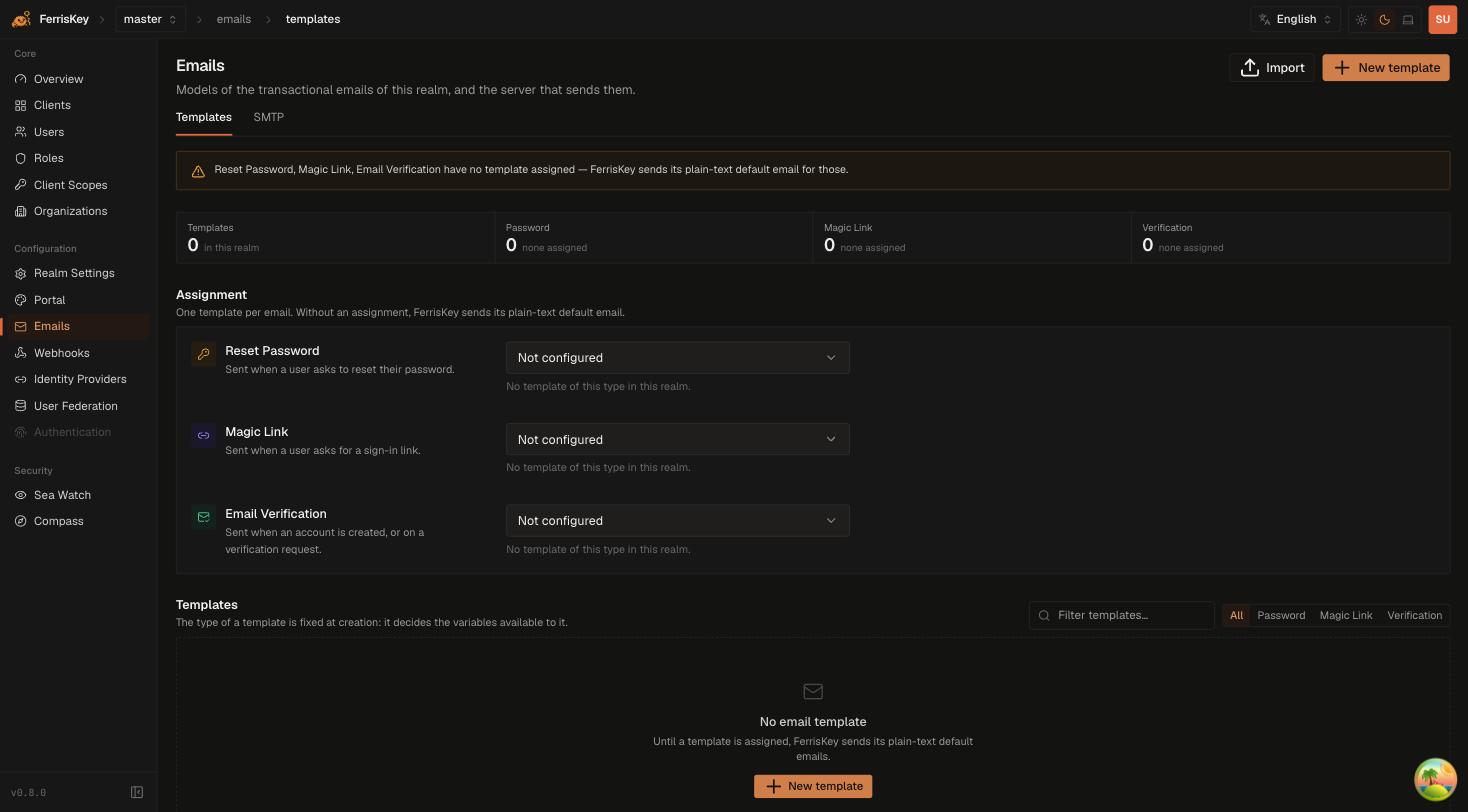
Email templates
GET  /realms/{realm_name}/email-templates/{template_id}/export?format=json
GET  /realms/{realm_name}/email-templates/{template_id}/export?format=mjml
POST /realms/{realm_name}/email-templates/import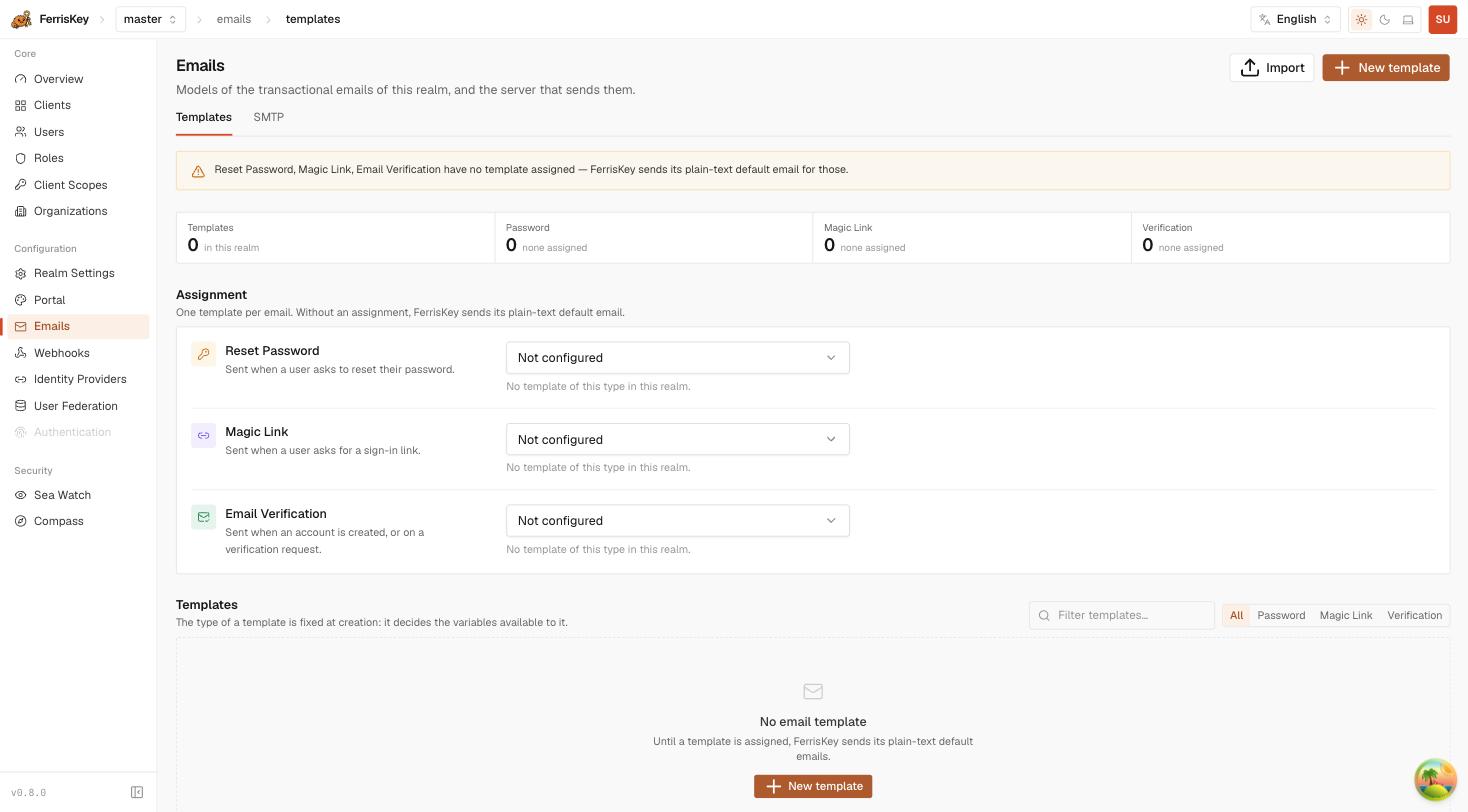
Export takes a format:
| Format | Returns | Use it when |
|---|---|---|
json (default) | The builder envelope | You are moving the template between realms and want it to stay editable in the console |
mjml | The rendered MJML markup | You are handing it to a designer, or keeping it in version control |
Import accepts either shape. MJML is parsed back into a builder structure so the imported template stays editable rather than becoming an opaque blob.
MJML round-trips lose everything outside mj-body
The builder can only represent what is inside <mj-body>. Anything outside it — <mj-head>, and therefore custom fonts, <mj-style>, breakpoint declarations and preview text set that way — is dropped on import.
So a json → json round trip is lossless, and an mjml round trip is not. If a designer edits the MJML and adds anything in the head, importing it back silently discards that part. Export as json for moving templates, and treat mjml as a one-way door out.
A template’s type is fixed at creation and decides which variables it may use, so an import lands as the type the file declares. See Email & Templates for the variables each type carries.
Password hashes
POST /realms/{realm_name}/users/{user_id}/credentials/importThis is the migration endpoint: it stores a hash produced by another identity provider as the user’s password credential, so your users keep their existing passwords when you move to FerrisKey.
{
  "algorithm": "bcrypt",
  "secret_data": "$2b$12$…",
  "hash_iterations": 12,
  "salt": null
}| Field | Required | Description |
|---|---|---|
algorithm | yes | bcrypt or argon2 |
secret_data | yes | The hash itself |
hash_iterations | yes | Cost factor from the source system |
salt | no | When the source stores it separately from the hash |
Supported algorithms are bcrypt ($2a$, $2b$, $2y$) and argon2 as a PHC string.
The upgrade happens at first login
An imported bcrypt hash is re-encoded as argon2id the first time the user successfully signs in — the only moment the plaintext is available to hash again. Until then the account authenticates against the original hash.
That has two consequences worth planning for:
- Your realm will hold a mix of algorithms for as long as some migrated users have not signed in. That is expected, not a defect.
- The upgrade is observable. It raises
password_importedin SeaWatch, so counting those events tells you how far through the migration your user base actually is — which is a far better signal than counting imported accounts.
There is no export counterpart, and that is the point
FerrisKey will not hand you its password hashes. An endpoint that exports credential material is an endpoint that exfiltrates it, and no legitimate migration needs to leave this way. If you are moving off FerrisKey, run both systems side by side and let users re-authenticate.
The local policy still applies afterwards
An imported password is not checked against the realm’s password policy — it cannot be, since the plaintext was never seen. The policy applies the next time that user changes their password. If the source system’s rules were weaker than yours, max_age_days is the lever that forces the whole migrated population through a change.
What is not portable
Realms, clients, users, roles, scopes and organizations have no export/import endpoints. Moving those is the job of the ferris-ctl importer, which reads a description file, a live Keycloak or a live Zitadel and creates the objects through the ordinary API.
Permissions
| Resource | Export | Import |
|---|---|---|
| Portal theme, portal layout | manage_realm | manage_realm |
| Email template | view_email_templates or manage_email_templates | manage_email_templates |
| Password hash | — | manage_users |
manage_realm grants all of them.