 Ferriskey
Portal
The portal is what an end user actually sees: the login page, the MFA challenge, the password reset, the email-verified confirmation. It is served by FerrisKey, on FerrisKey’s domain, which makes it the one surface where your users meet the IAM directly — and the one place where an unstyled default is immediately visible.
The portal module is how you stop it looking like someone else’s product. It splits in two:
- Themes carry the appearance: colours, typography, and the content of each page.
- Layouts carry the arrangement: the structure the pages are composed into.
Both are per realm, so two realms in one deployment can look nothing alike.
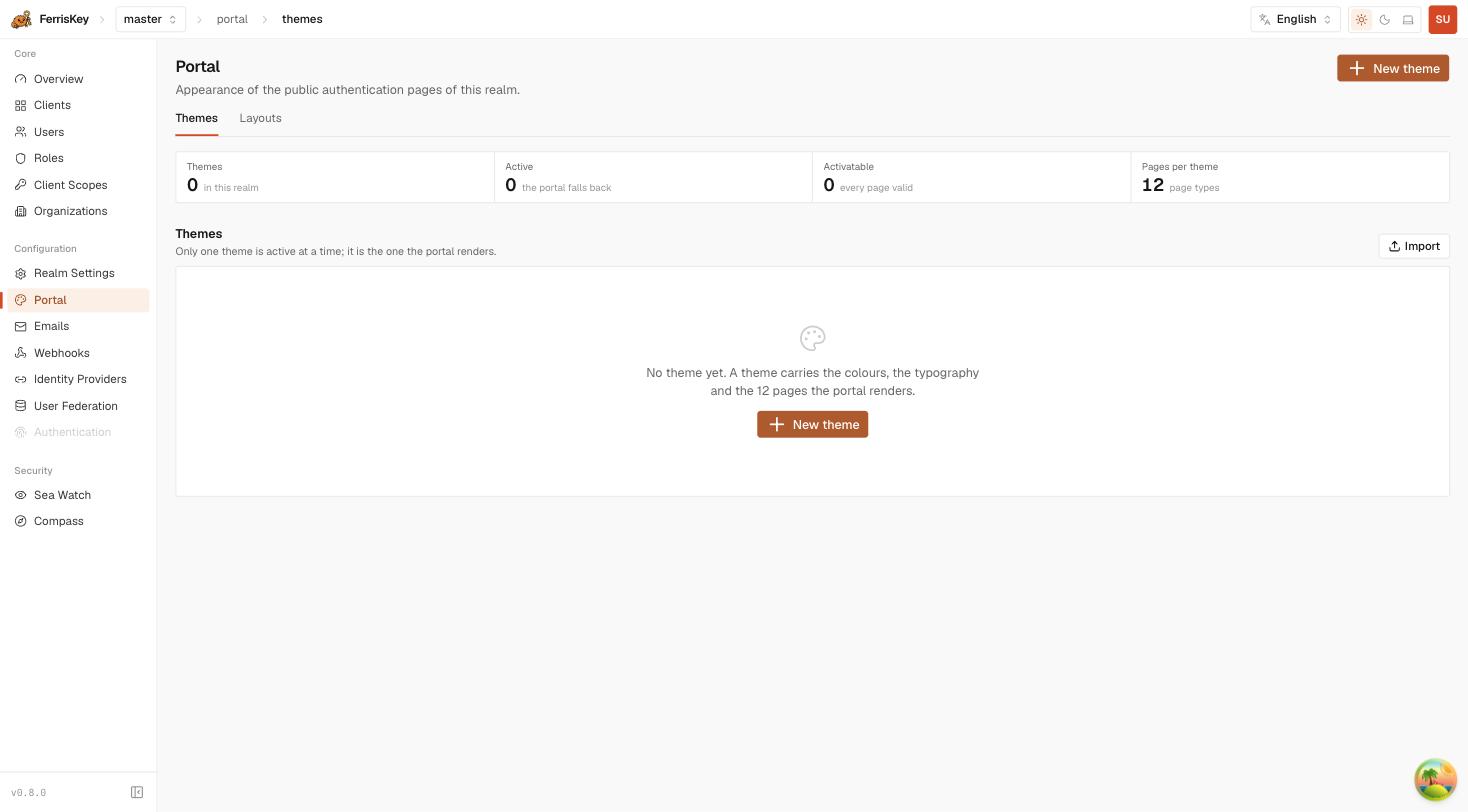
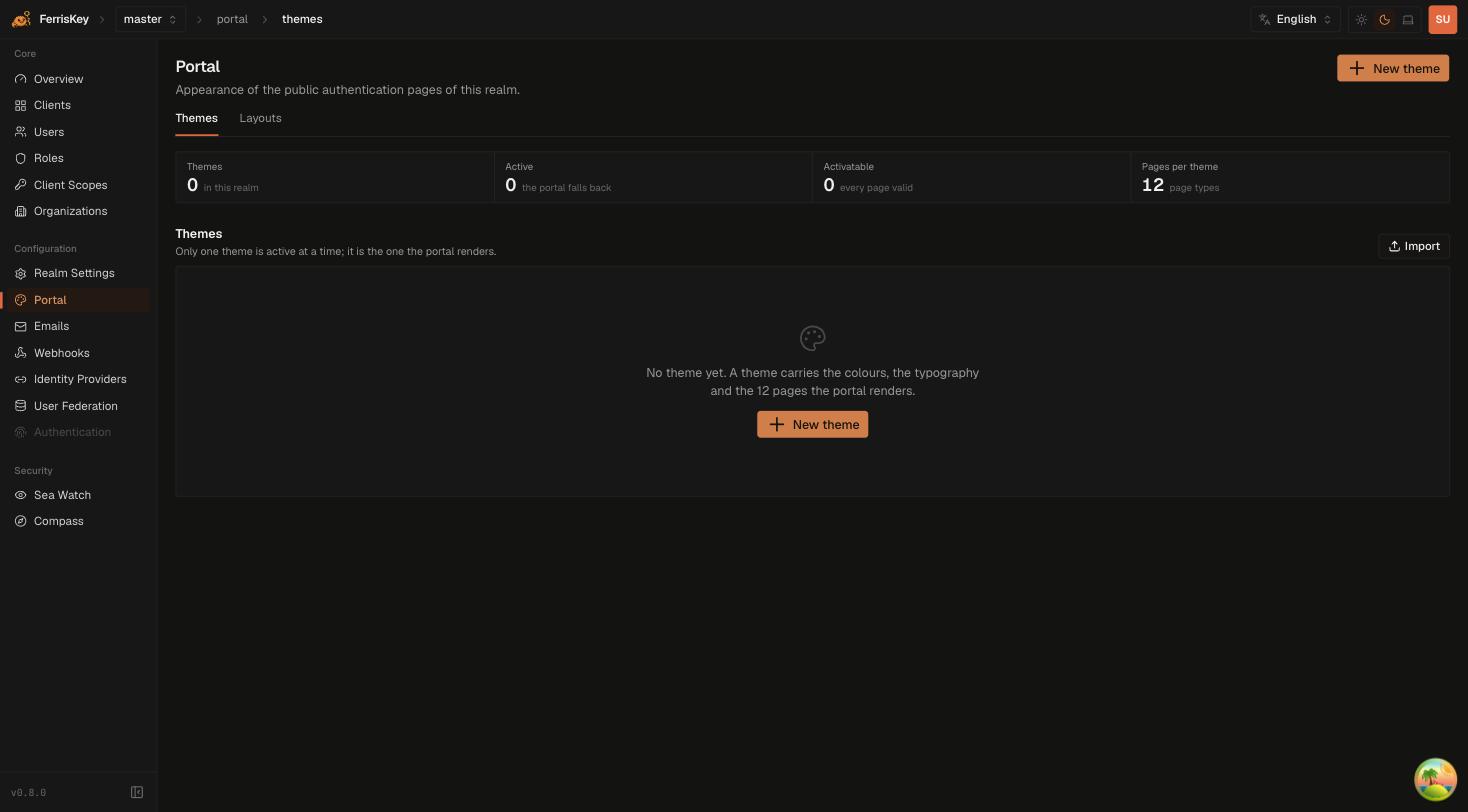
Themes
A realm can hold any number of themes, and exactly one is active at a time — the active one is what the portal renders. Everything else is a draft you can work on without touching what users see.
The twelve page types
A theme carries content for twelve pages. All of them:
| Page type | Rendered when |
|---|---|
login | The sign-in form |
register | Self-service registration, if the realm enables it |
totp | An authenticator code is being asked for |
totp_setup | The user is enrolling an authenticator through a required action |
forgot_password | The user asks to reset their password |
reset_password | The user follows the reset link |
magic_link_request | The user asks for a magic link |
magic_link_verify | The magic link is being consumed |
verify_email | An email address is awaiting confirmation |
email_verified | Confirmation succeeded |
device_verify | A device-flow user code is being entered |
device_verified | The device flow was approved |
Editing one page at a time:
PUT /realms/{realm_name}/portal/themes/{theme_id}/pages/{page_type}Activation is gated on validity
A theme can only be activated when every page is valid — the console calls this “activatable”, and counts them for you. This is deliberate: a partially filled theme would render a broken page for whichever flow happens to hit the gap, and that flow might be password reset at 2am.
GET  /realms/{realm_name}/portal/page-requirements
POST /realms/{realm_name}/portal/themes/{theme_id}/activate
page-requirements tells you what each page still needs, which is what to show a designer rather than a bare “not activatable”.
No theme is a valid state
With no theme at all, or none activated, the portal falls back to its built-in appearance. Nothing breaks — you simply get FerrisKey’s defaults. The console shows this as an active count of zero.
Theme API
| Method | Path | Description |
|---|---|---|
GET | /realms/{realm_name}/portal/themes | List the realm’s themes |
POST | /realms/{realm_name}/portal/themes | Create a theme |
GET | /realms/{realm_name}/portal/themes/{theme_id} | Read one theme |
PUT | /realms/{realm_name}/portal/themes/{theme_id} | Update a theme’s metadata |
DELETE | /realms/{realm_name}/portal/themes/{theme_id} | Delete a theme |
PUT | /realms/{realm_name}/portal/themes/{theme_id}/pages/{page_type} | Replace one page |
POST | /realms/{realm_name}/portal/themes/{theme_id}/activate | Make this theme the active one |
GET | /realms/{realm_name}/portal/theme | Read the realm’s theme settings |
PUT | /realms/{realm_name}/portal/theme | Update the realm’s theme settings |
GET | /realms/{realm_name}/portal/page-requirements | What each page still needs to be valid |
Required permissions: manage_realm, for reads as well as writes.
There is no read-only access to themes
Unlike most of the admin surface, the portal endpoints do not accept view_realm: listing themes needs manage_realm, the same permission as activating one. A designer who should be able to look at a theme without being able to activate it cannot be granted that today. The public endpoints below are the read path that needs no permission at all.
The public endpoint
GET /realms/{realm_name}/portal/activeUnauthenticated, because the login page has to be able to render before anyone has signed in. It returns the active theme’s appearance and nothing else — a theme is public by nature, so treat what you put in one accordingly.
Layouts
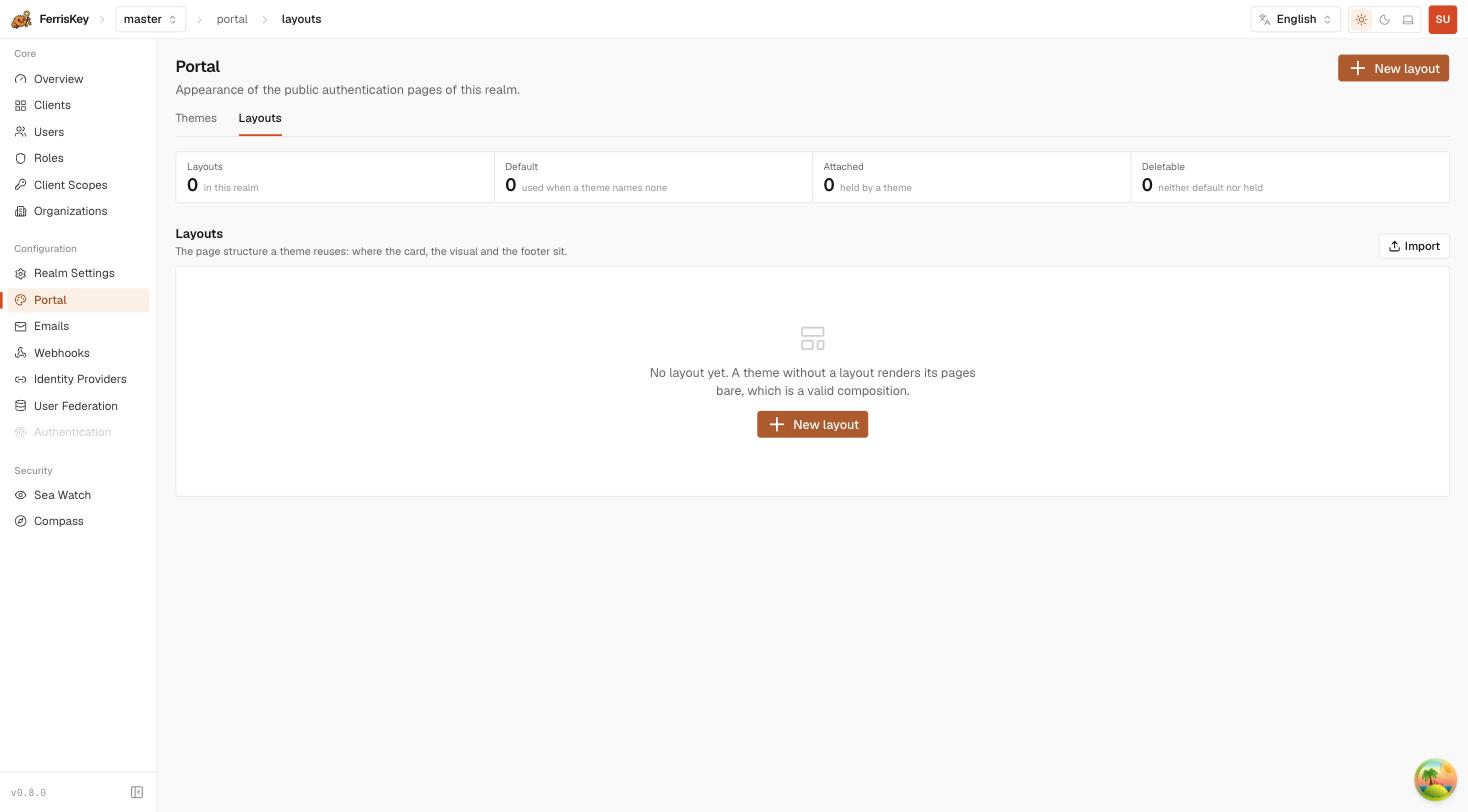
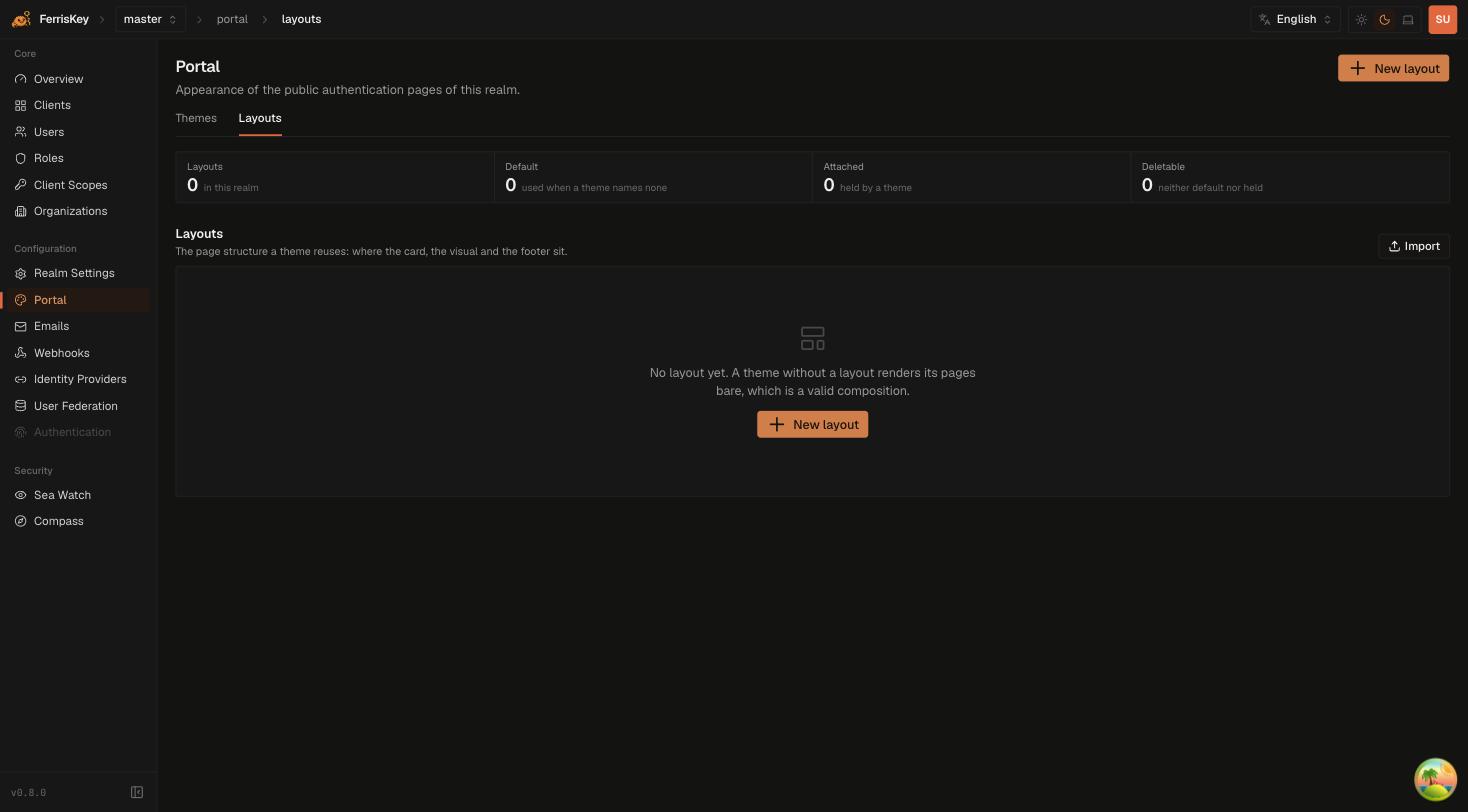
A theme with no layout renders its pages bare, and that is a valid composition rather than an error — the counters distinguish layouts that are attached to a theme from those that are merely deletable because nothing holds them.
Layouts hold the arrangement rather than the colours. Each carries a tree, and one layout per realm can be marked as the default, which is the one used when nothing else is specified.
| Method | Path | Description |
|---|---|---|
GET | /realms/{realm_name}/portal-layouts | List the realm’s layouts |
POST | /realms/{realm_name}/portal-layouts | Create a layout |
GET | /realms/{realm_name}/portal-layouts/{layout_id} | Read one layout |
PUT | /realms/{realm_name}/portal-layouts/{layout_id} | Update a layout |
DELETE | /realms/{realm_name}/portal-layouts/{layout_id} | Delete a layout |
PUT | /realms/{realm_name}/portal-layouts/{layout_id}/default | Mark it as the realm’s default |
GET | /realms/{realm_name}/portal-layouts/public/{layout_id} | Public read of one layout |
GET | /realms/{realm_name}/portal-layouts/public/default | Public read of the default layout |
The two public/ endpoints are unauthenticated for the same reason as portal/active.
Moving a theme between realms
GET  /realms/{realm_name}/portal/themes/{theme_id}/export
POST /realms/{realm_name}/portal/themes/import
GET  /realms/{realm_name}/portal-layouts/{layout_id}/export
POST /realms/{realm_name}/portal-layouts/import
A theme exports as a self-contained JSON envelope: its design tokens, all twelve page trees, and the layout it is framed by, carried by value. Importing it into another realm or another deployment recreates that layout and binds it to the new theme, so the file does not depend on anything already existing at the destination.
Layout import validates the tree before storing it, which the ordinary create endpoint does not — create is fed by the console’s builder and trusts its input. If you generate layouts from a script, import is the endpoint that will catch your mistakes.
Export & Import covers the whole portability surface, including email templates.
Working on a theme safely
Duplicate rather than edit live
Create a new theme instead of editing the active one. The active theme is serving real sign-ins while you work.
Fill every page
Twelve page types, all required for activation. page-requirements lists what is still missing.
Check the flows you do not think about
login gets looked at. device_verified and email_verified do not, and they are exactly where an unstyled page survives for months.
Activate
One call, and it takes effect for the next request. Activation is reversible — activate the previous theme to roll back.
Theme activation is not a realm setting
The realm does store which theme is active, but it is not a field you can write through PUT /realms/{realm_name}/settings. Activation goes through the activate endpoint, which is what enforces the validity gate.