 Ferriskey
Maintenance Mode
Maintenance mode temporarily restricts who can authenticate through a client, without touching the client’s configuration. It exists for the window where an application is mid-migration and should not be letting users in, but you do not want to disable the client and then try to remember exactly how it was set up.
Two things make it different from disabling a client:
- It is reversible by one switch, and it changes nothing else. Redirect URIs, scopes, secrets all stay as they are.
- It has a hole in it, on purpose. A whitelist of users and roles keeps authenticating, so your own team can verify the migration on the real client before reopening it.
Closing a client
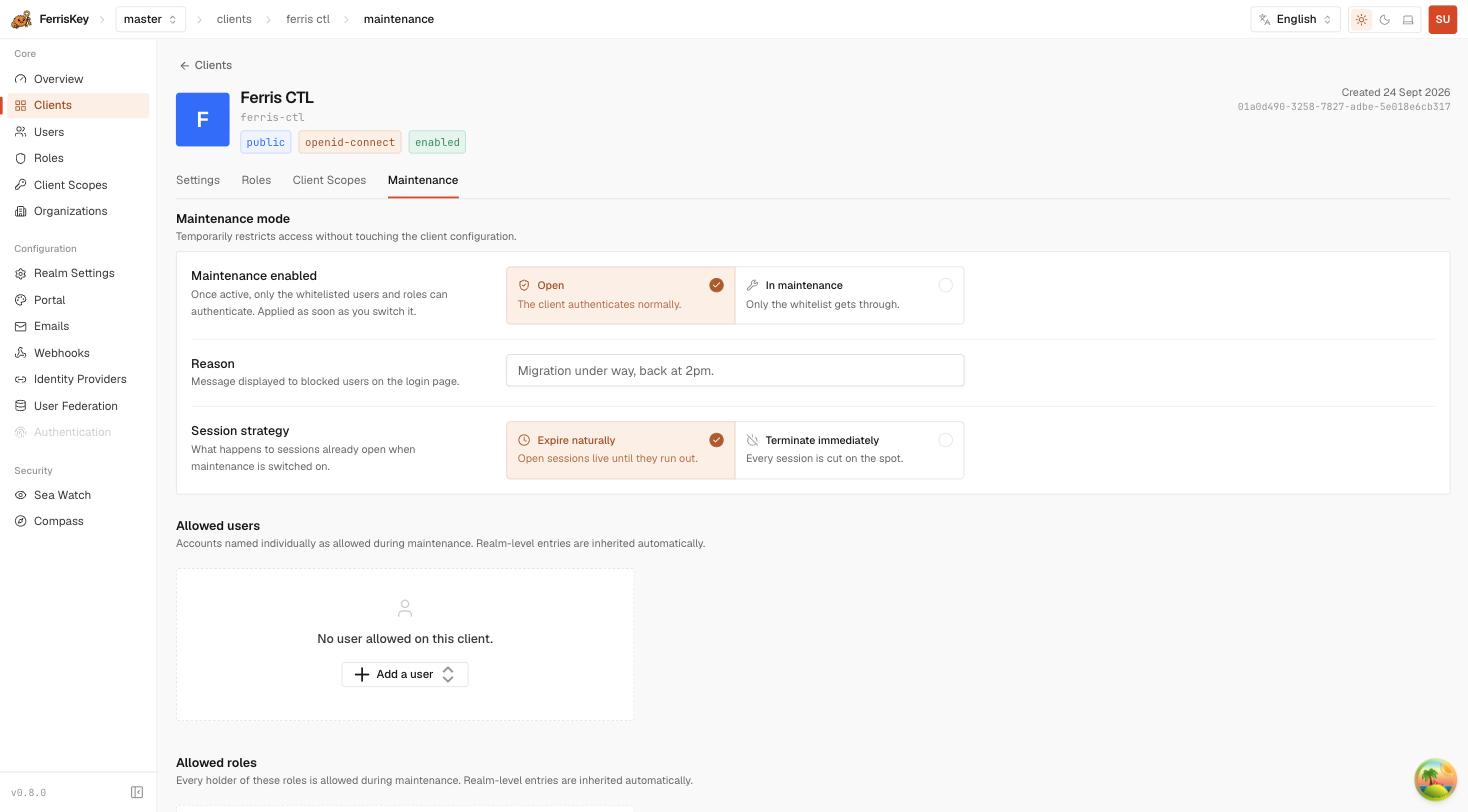
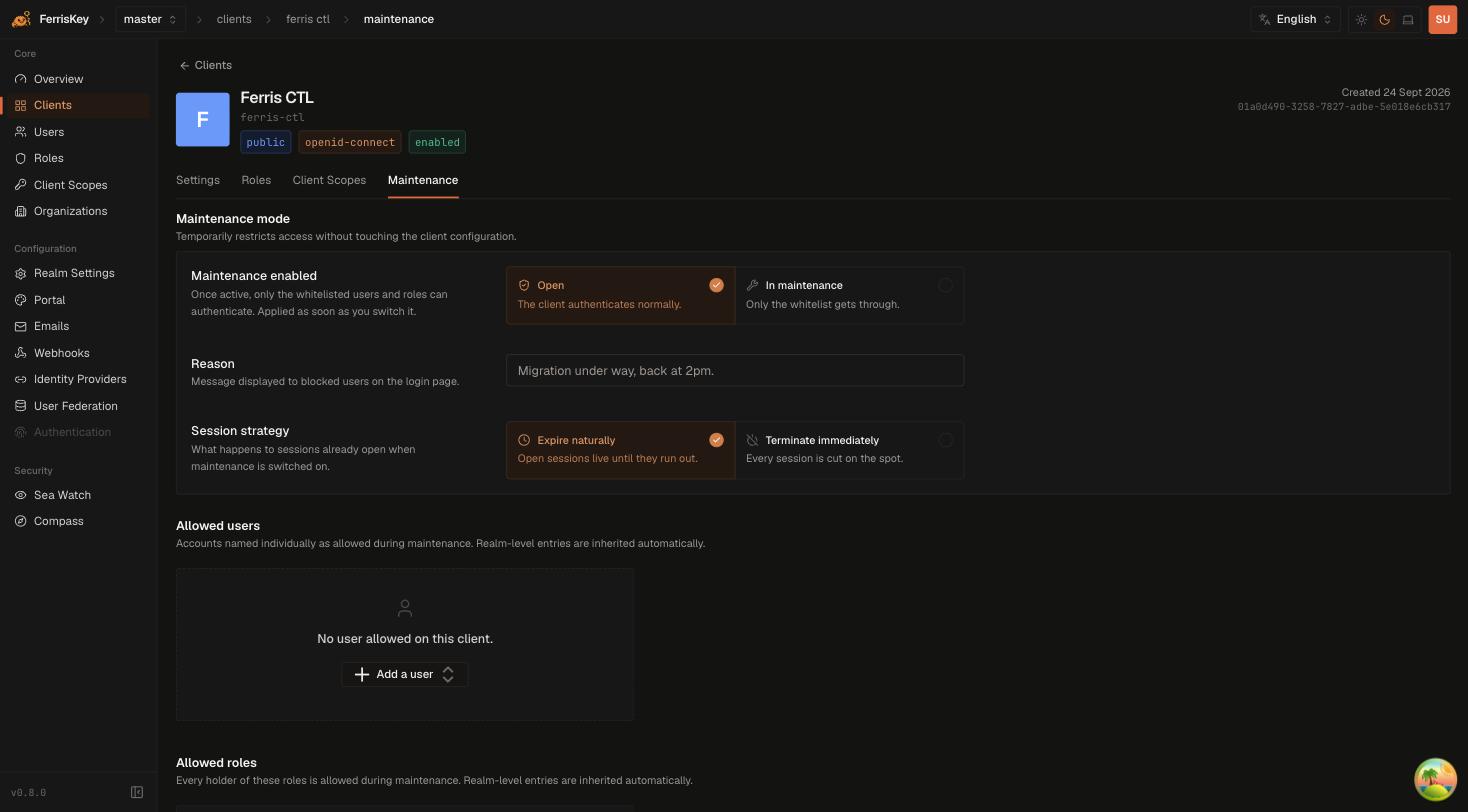
PUT /realms/{realm_name}/clients/{client_id}/maintenance{
"enabled": true,
"reason": "Migration under way, back at 2pm.",
"session_strategy": "expire"
}| Field | Default | Description |
|---|---|---|
enabled | required | true closes the client to everyone but the whitelist |
reason | none | Message displayed to blocked users on the login page |
session_strategy | expire | What happens to sessions that are already open |
The switch applies as soon as you flip it. There is no drain period.
Session strategy
| Value | Behaviour |
|---|---|
expire | Open sessions live until they run out. The default |
terminate | Every session is cut on the spot |
expire is the polite option and the right default: people already working keep working, and nobody new gets in. Reach for terminate when the reason for closing the client is that the sessions themselves are the problem — a leaked token, a compromised integration — and letting them run to expiry is the thing you are trying to prevent.
Write the reason as the user will read it
reason is shown on the login page, to someone who was trying to get on with their day. “Migration under way, back at 2pm” answers their actual question. “MAINT-4417” does not.
The whitelist
Whitelist entries name a user or a role. Everyone named, and every holder of a named role, authenticates normally while the client is in maintenance.
Entries exist at two levels, and they add up: a client’s effective whitelist is its own entries plus the realm’s.
Per client
GET    /realms/{realm_name}/clients/{client_id}/maintenance/whitelist
POST   /realms/{realm_name}/clients/{client_id}/maintenance/whitelist
DELETE /realms/{realm_name}/clients/{client_id}/maintenance/whitelist/{entry_id}
Per realm
Realm-level entries are inherited by every client of the realm placed under maintenance — the standing list of people who should never be locked out.
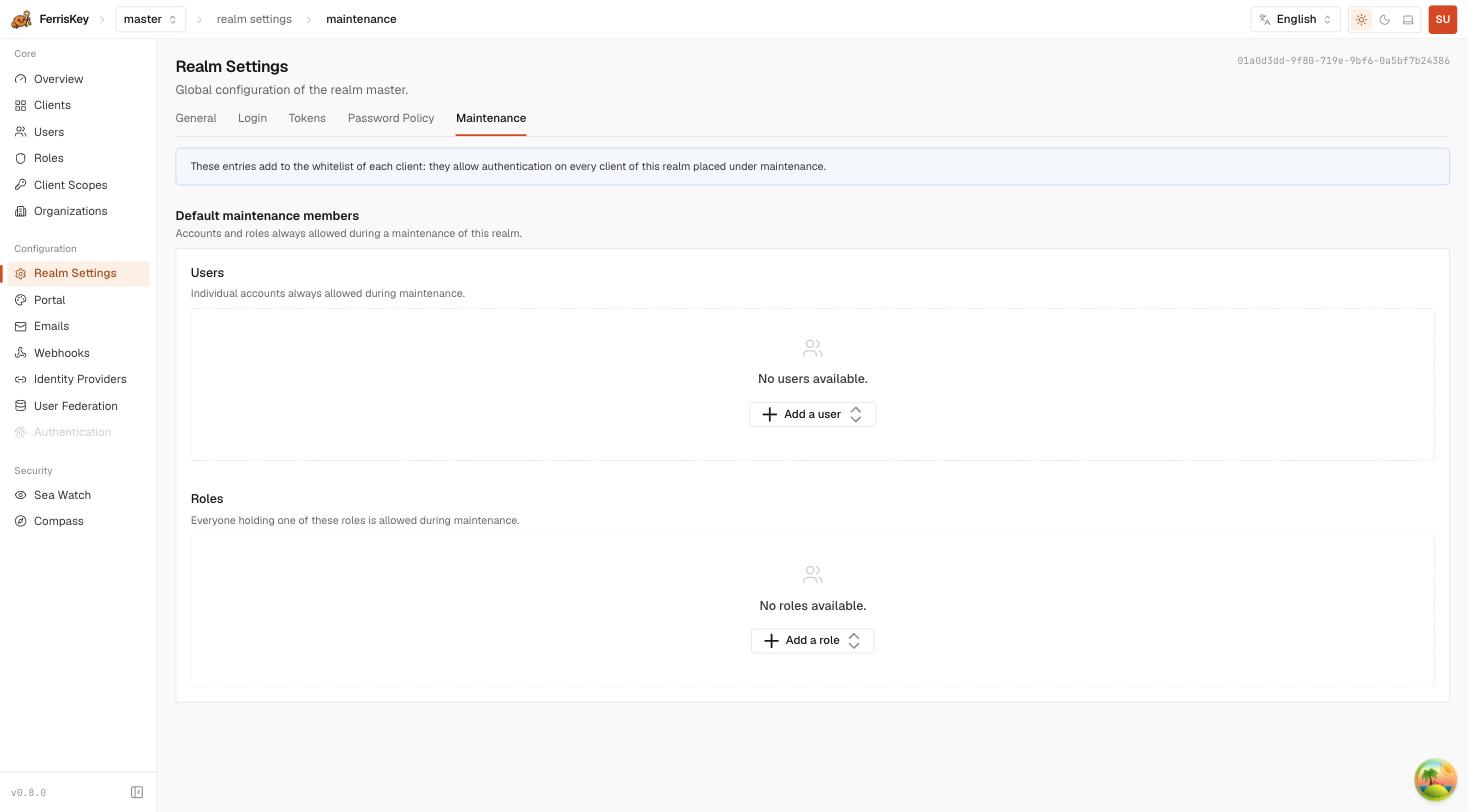
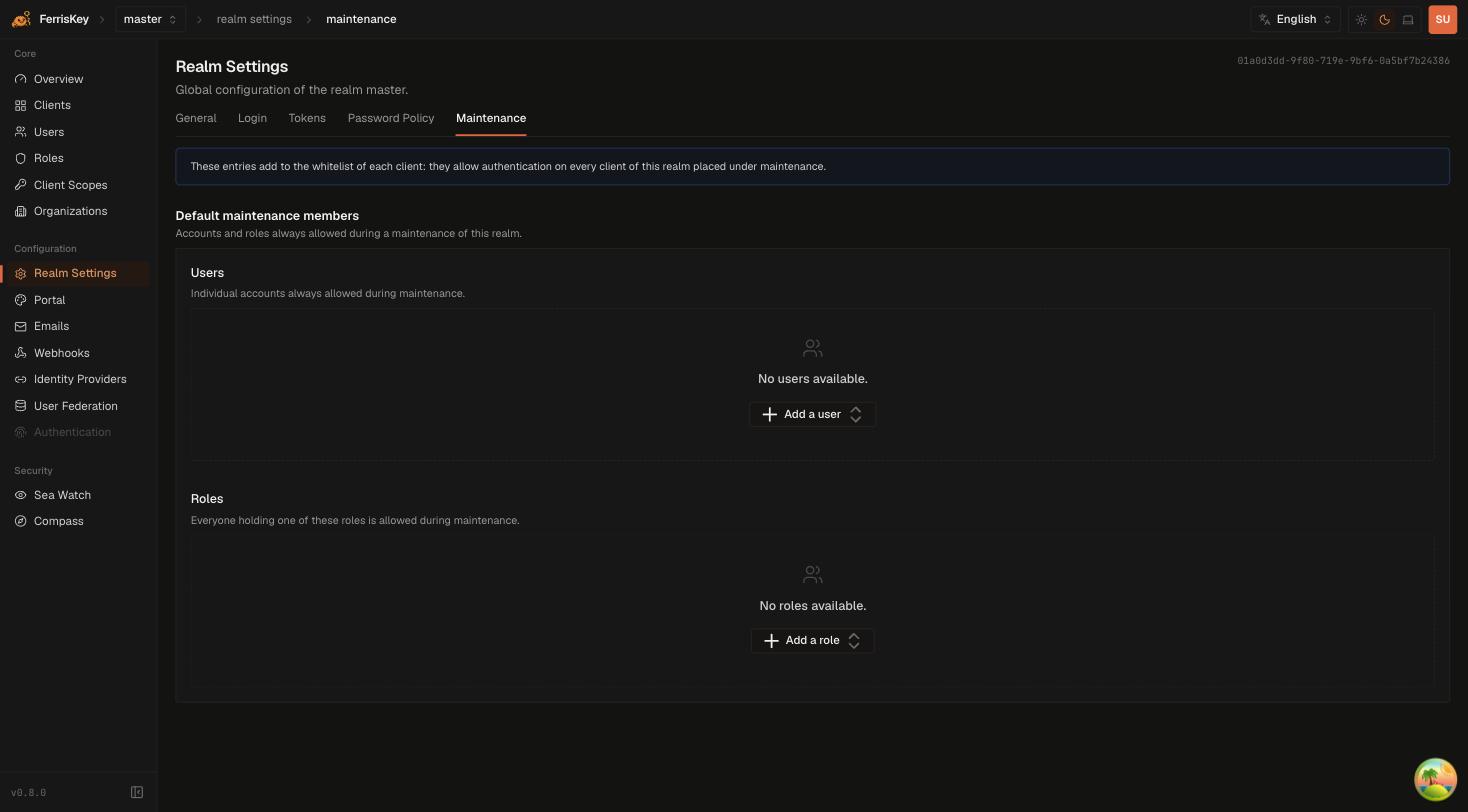
GET    /realms/{realm_name}/settings/maintenance/whitelist
POST   /realms/{realm_name}/settings/maintenance/whitelist
DELETE /realms/{realm_name}/settings/maintenance/whitelist/{entry_id}
{
"role_id": "01a0d3dd-a750-7817-aa2b-7e8b98f68e66"
}Both user_id and role_id are optional in the payload; supply the one that describes the entry you want.
Put the role on the realm whitelist before you need it
A role-based realm entry — your platform team’s role, say — is the difference between a planned maintenance window and an incident. Adding a whitelist entry requires authenticating to the admin console, and if the console’s own client is the one you just closed, you have locked yourself out of the tool you need to unlock it.
Permissions
| Action | Permission |
|---|---|
| Read a whitelist | view_clients, or manage_clients |
| Toggle maintenance, add or remove entries | manage_clients |
manage_realm also grants all of them.
What gets recorded
Both transitions are observable, which matters because maintenance mode is a thing that gets left on by accident:
- SeaWatch records
client_maintenance_enabledandclient_maintenance_disabled. - Webhooks fire
client.maintenance.enabledandclient.maintenance.disabled.
A webhook on the enabled trigger that opens a reminder, and one on disabled that closes it, is the cheapest way to stop a Friday-afternoon window from lasting until Monday.