 Ferriskey
User Federation
Federation comes in two shapes, and Abyss covers both.
Identity brokering sends the user to another provider to authenticate. FerrisKey never sees the credential; it receives an assertion and mints its own tokens. That is what Configuring Providers is about.
User federation is the other shape: the accounts live in a directory you already run, and FerrisKey reads them. The user types their password into your login page, FerrisKey binds against the directory to check it, and the account is imported so roles, groups and organizations can be attached to it locally.
Reach for user federation when an existing LDAP or Active Directory tree is the source of truth for who exists, and for brokering when another system is the source of truth for who is signing in.
Provider types
| Type | Status |
|---|---|
| LDAP | Supported. Connection tested, accounts searched, imported and synchronised |
| Kerberos | Stored only. The server keeps the provider record but neither synchronises nor tests it |
Everything below describes an LDAP provider.
Creating a provider
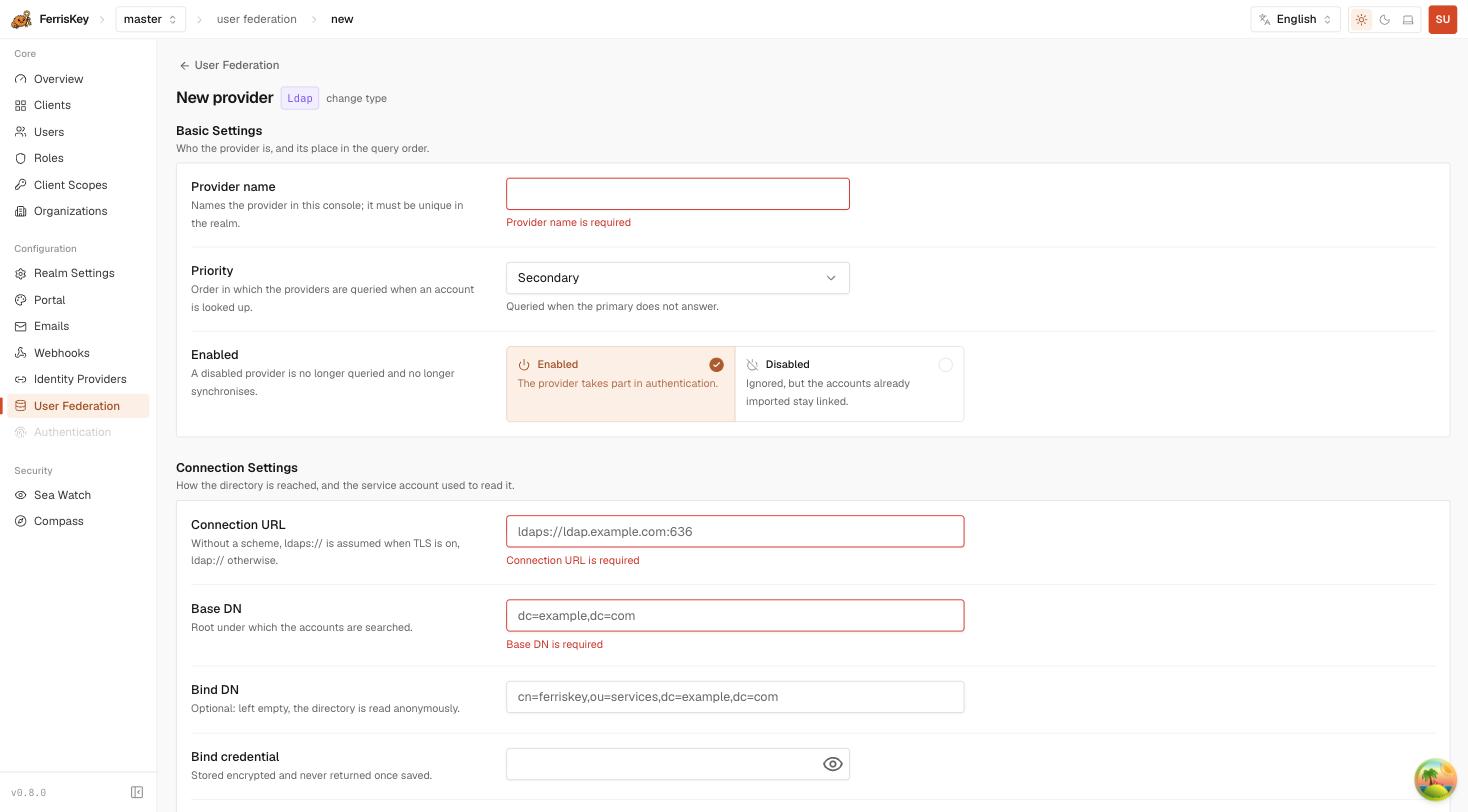
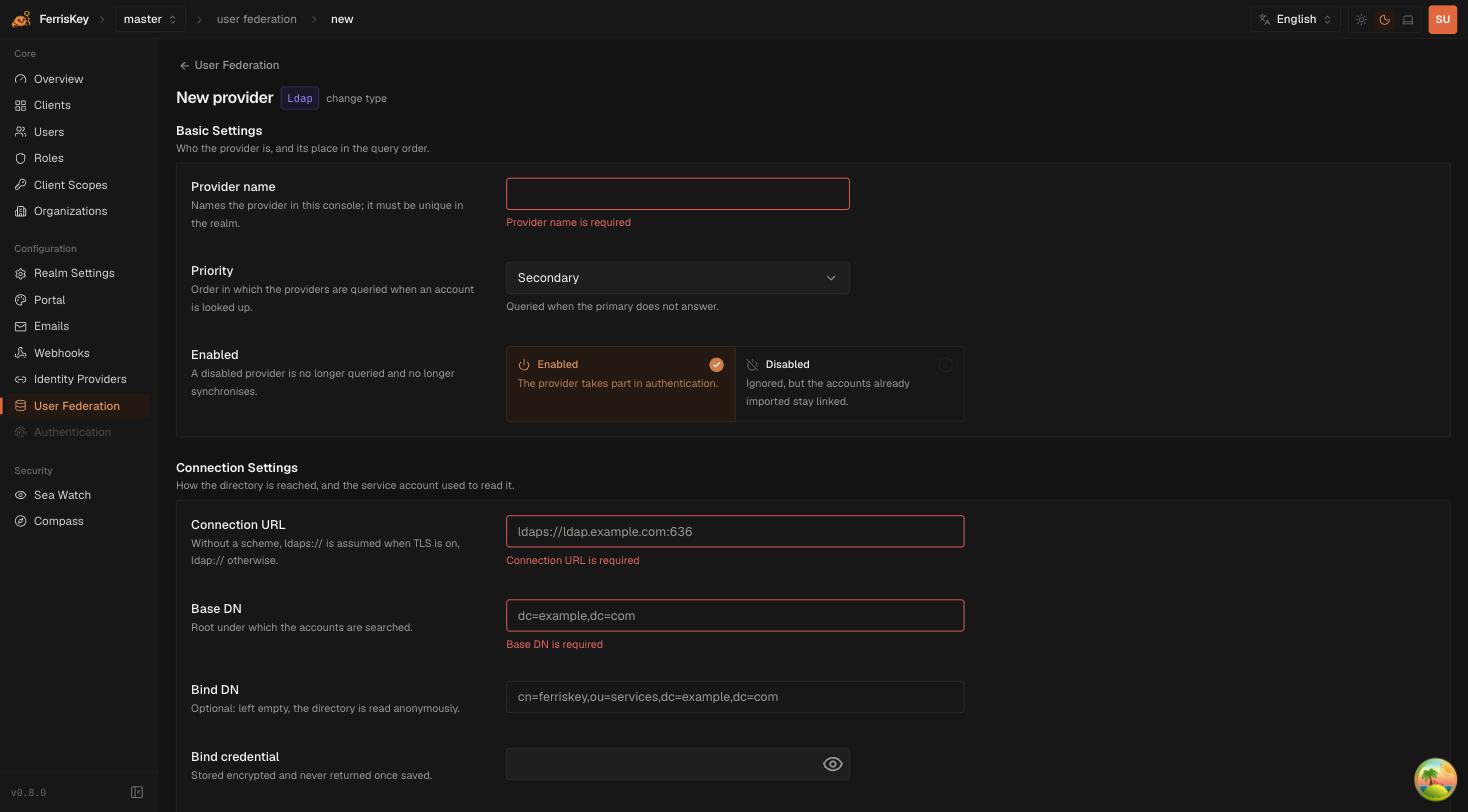
Open User Federation in the admin console and add a provider. The form is split into the four things a directory integration has to settle: who the provider is, how to reach it, how to find an account, and when to walk the tree again.
Basic settings
| Field | Description |
|---|---|
| Provider name | Names the provider in the console. Must be unique in the realm |
| Priority | Order in which providers are queried when an account is looked up. A secondary provider is only queried when the primary does not answer |
| Enabled | A disabled provider is no longer queried and no longer synchronises. Accounts it already imported stay linked |
Disabling rather than deleting is the safe way to take a directory out of the loop: deleting the provider is what severs the link to the accounts it imported.
Connection settings
| Field | Description |
|---|---|
| Connection URL | Directory address. Without a scheme, ldaps:// is assumed when TLS is on and ldap:// otherwise |
| Base DN | Root under which accounts are searched, for example dc=example,dc=com |
| Bind DN | Service account used to read the directory. Left empty, the directory is read anonymously |
| Bind credential | Stored encrypted and never returned once saved |
| Use TLS | Encrypts the connection to the directory |
Anonymous bind is rarely what you want
Most directories return a reduced view, or nothing at all, to an anonymous bind. If a connection test passes but a sync imports no account, a missing Bind DN is the first thing to check.
Test connection validates the address and the bind without touching any account, so it is safe to run against production before the first sync:
POST /realms/{realm_name}/federation/providers/{id}/test-connectionUser search settings
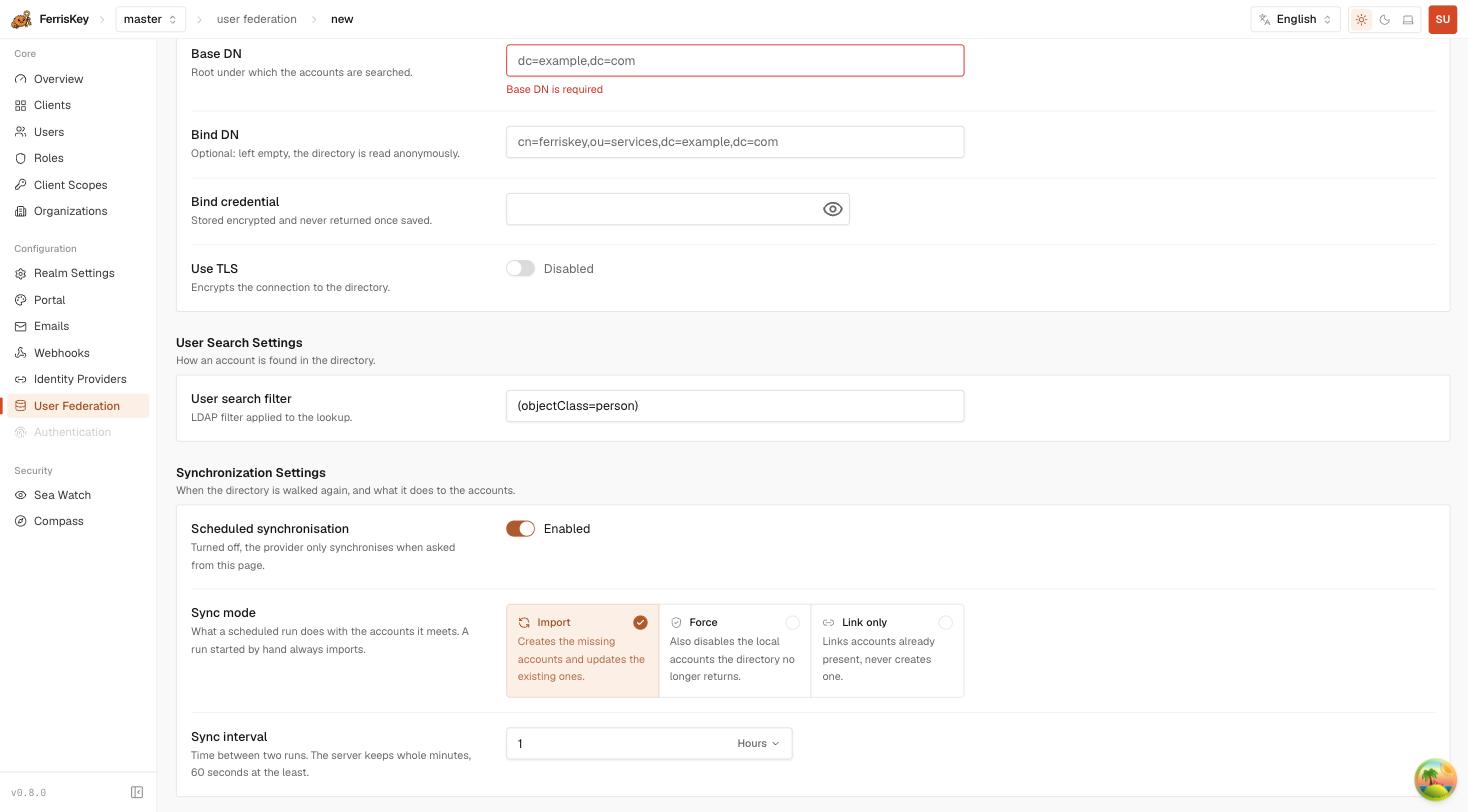
| Field | Default | Description |
|---|---|---|
| User search filter | (objectClass=person) | LDAP filter applied to the lookup |
Narrow this to the subtree or the object class that actually holds your people. A filter that matches service or machine objects imports them as users.
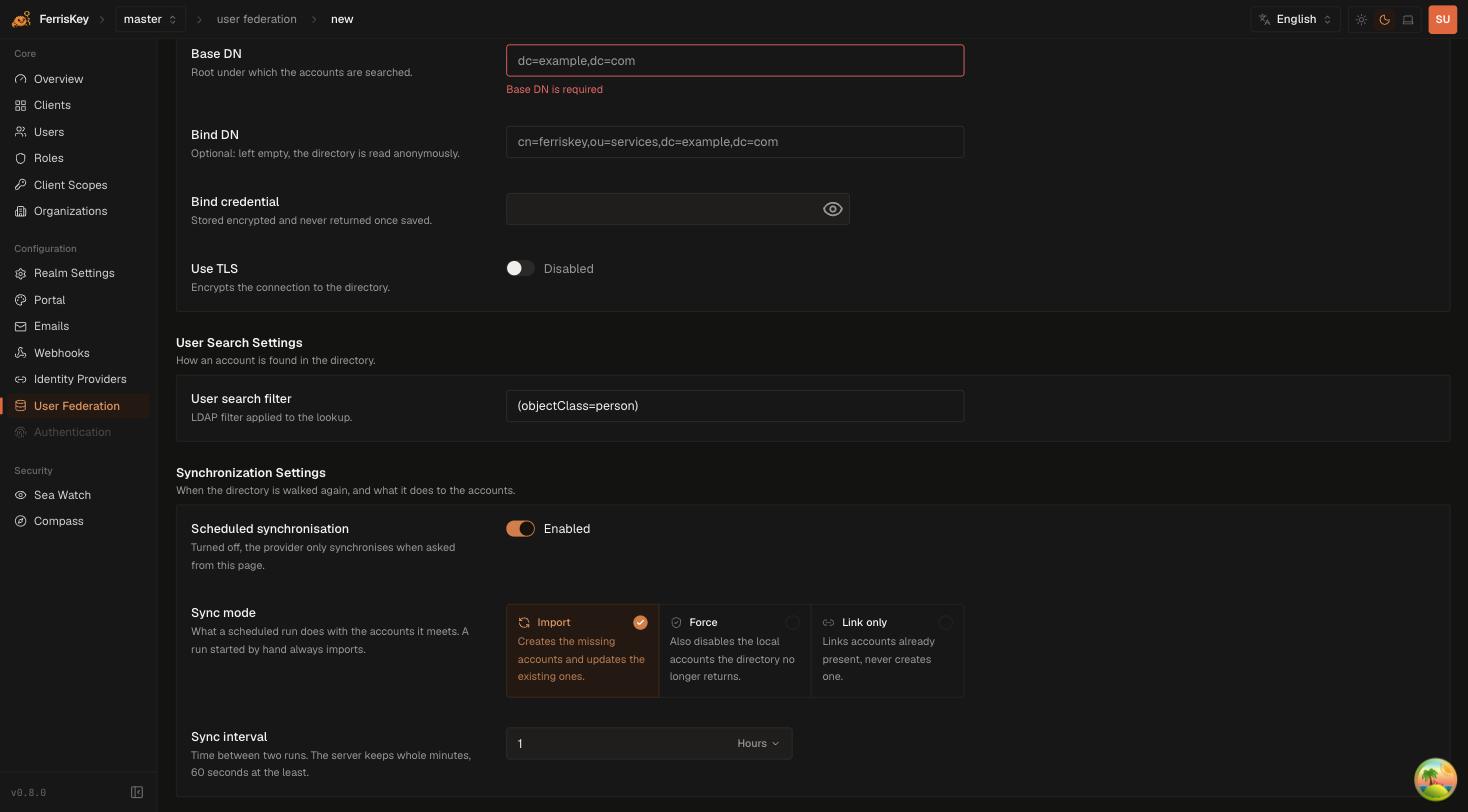
Synchronisation
| Field | Description |
|---|---|
| Scheduled synchronisation | Turned off, the provider only synchronises when asked from this page or through the API |
| Sync mode | What a scheduled run does with the accounts it meets |
| Sync interval | Time between two runs. The server keeps whole minutes, 60 seconds at the least |
Sync modes
| Mode | Behaviour |
|---|---|
| Import | Creates the accounts that are missing and updates the ones that exist |
| Force | Also disables the local accounts the directory no longer returns |
| Link only | Links accounts already present locally, never creates one |
Force acts on absence, and a bad filter looks like absence
Force disables every local account the directory did not return in that run. A search filter that is briefly too narrow, or a subtree that fails to answer, is indistinguishable from accounts that were deleted upstream. Run Import until you trust the filter, then switch.
A run started by hand always imports, whatever the configured mode. Triggering one:
POST /realms/{realm_name}/federation/providers/{id}/sync-usersLink only is the mode for a migration: import the accounts once by another route, then let the provider attach each one to its directory entry without creating anything.
API reference
| Method | Path | Description |
|---|---|---|
GET | /realms/{realm_name}/federation/providers | List the realm’s providers |
POST | /realms/{realm_name}/federation/providers | Create a provider |
GET | /realms/{realm_name}/federation/providers/{id} | Read one provider |
PUT | /realms/{realm_name}/federation/providers/{id} | Update a provider |
DELETE | /realms/{realm_name}/federation/providers/{id} | Delete a provider |
POST | /realms/{realm_name}/federation/providers/{id}/test-connection | Validate address and bind |
POST | /realms/{realm_name}/federation/providers/{id}/sync-users | Run a synchronisation now |
Required permissions: view_realm to read, manage_realm to create, update, delete, test or synchronise.
The bind credential is never returned by a read, so a PUT that omits it leaves the stored one in place.
What gets recorded
A synchronisation is not silent. Account creations raise user_created in SeaWatch, and the same events feed Webhooks — which is the practical way to notice that a run imported four thousand accounts it should not have.