 FerrisKey
Localization
The console and the default sign-in pages ship in two languages: English (en) and Simplified Chinese (zh-CN).
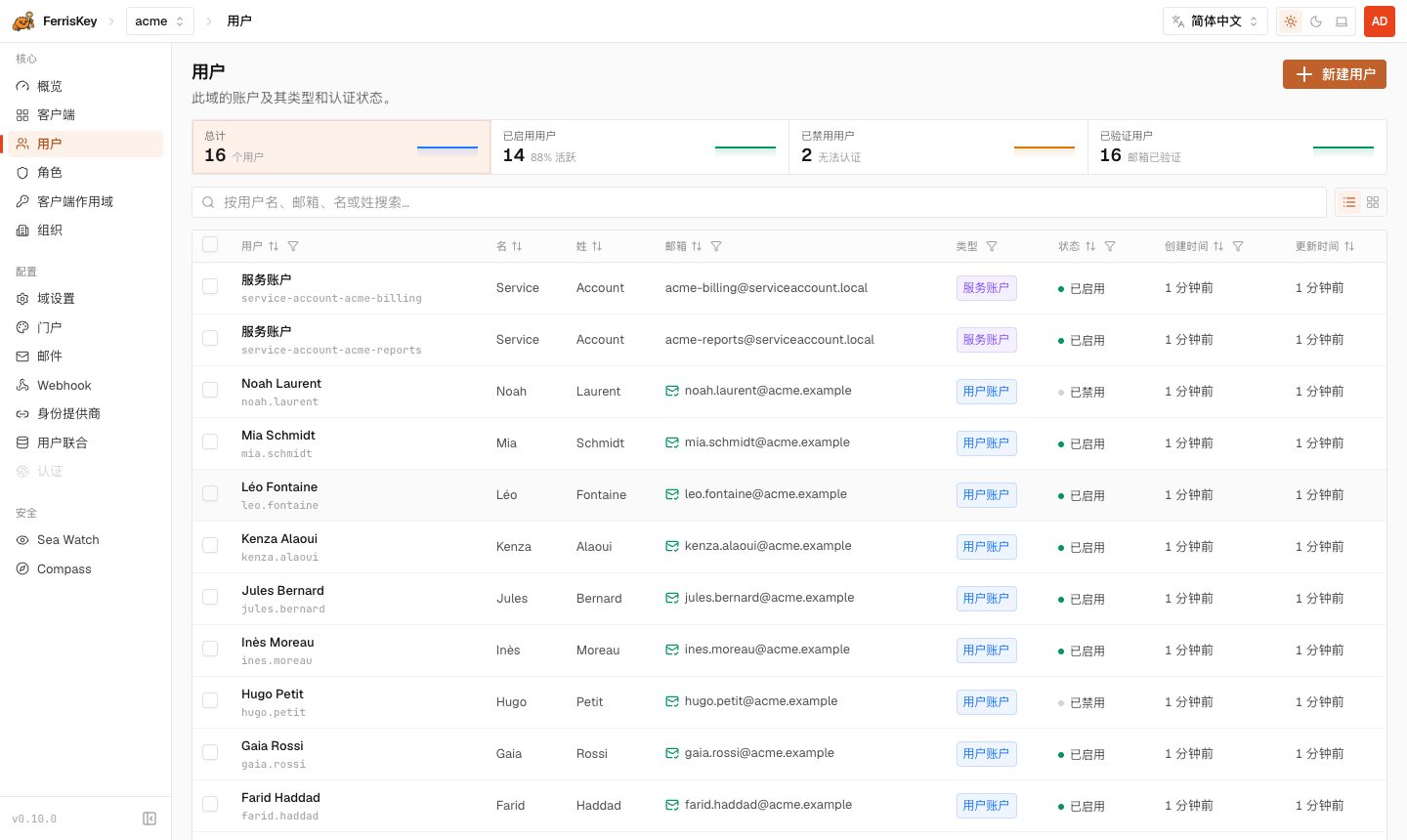
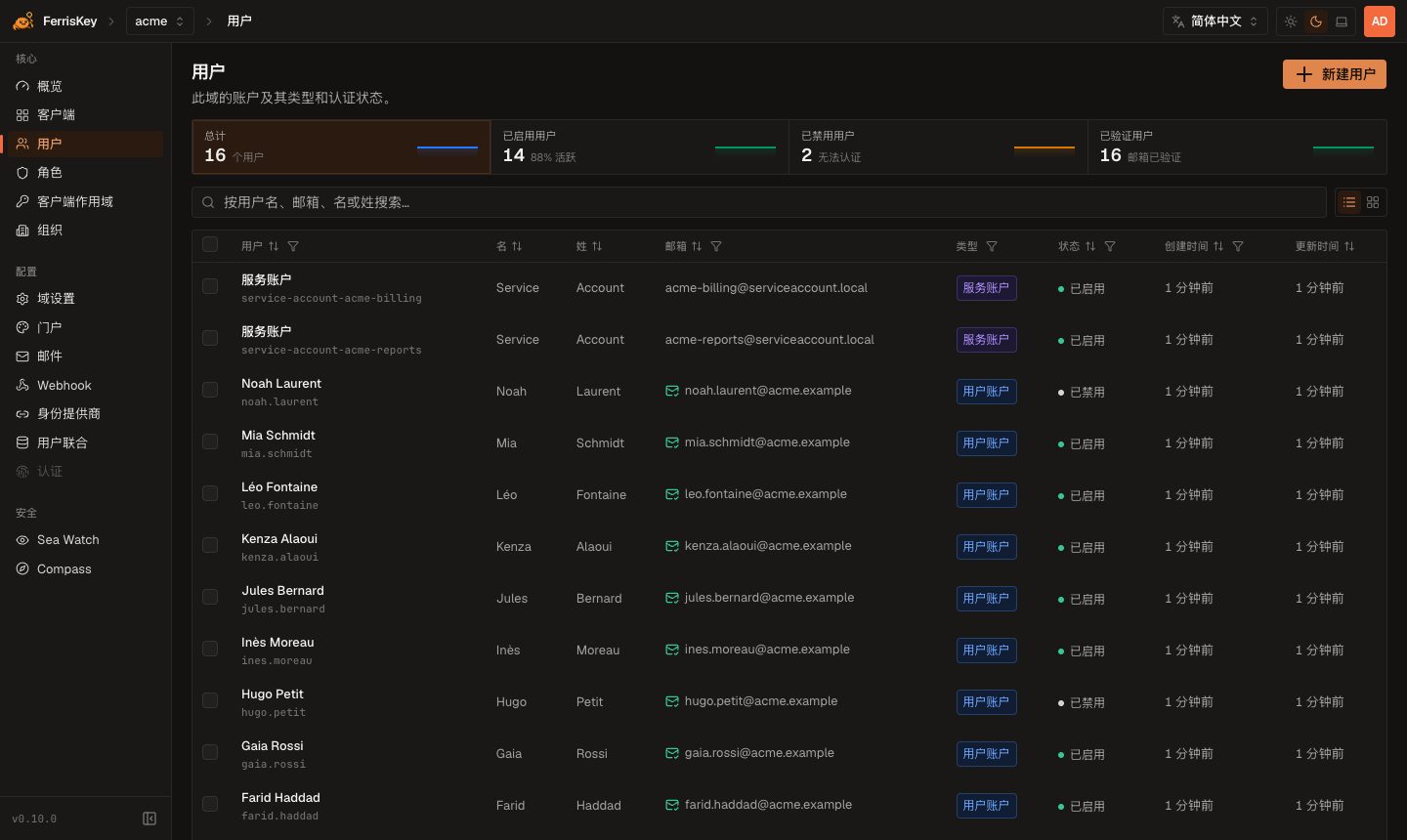
What is translated is the interface. Text that comes from your data, such as account names, client names and realm display names, is shown as stored, and the drag-and-drop engine of the email builder is not translated. The console shows API errors in the chosen language by looking up their reason code, not by displaying the English message. Emails are not translated: see Email & Templates.
Where a locale lives
A locale is a language tag with two letters, optionally followed by a dash and a two-letter region: en, zh-CN. FerrisKey writes the language in lowercase and the region in uppercase, so zh-cn is stored as zh-CN. Anything else, such as zh-Hans, is refused as malformed.
| Where | Field | Default |
|---|---|---|
| Realm | default_locale | en |
| Realm | supported_locales | ["en"] |
| User | locale | null, which means the realm decides |
A realm that lists only en offers only English. To offer Chinese on its sign-in pages, add zh-CN to the list. The console has no screen for these two settings, so set them through the API:
{
  "default_locale": "en",
  "supported_locales": ["en", "zh-CN"]
}
Both fields are optional, and a request that sets one is checked against the stored value of the other. The list cannot be empty, the default has to be in it, and neither can be null. A request that breaks a rule answers 422, with the field that failed and one of the codes malformed_locale, empty_supported_locales, default_locale_not_supported or null_not_allowed.
Sign-in pages read the two settings without authentication from GET /realms/{realm_name}/login-settings, which is how a page knows what to offer before anyone has signed in.
How the language is chosen
The console takes the first of these that gives a language it has:
- The
localestored on the user, once signed in. - A
ui_localesparameter in the address of the page, for example?ui_locales=zh-CN. - The choice made earlier in this browser, kept in local storage under
ferriskey-ui-locale. - The languages of the browser, in order.
- The realm’s
default_locale. - English.
Tags are matched on their language. en-GB gives en, and every zh tag, Traditional ones included, gives zh-CN, since that is the only Chinese catalog.
A visitor who has not signed in gets one more check: if the language that came out of the list is not in the realm’s supported_locales, the realm’s default_locale is used instead. A browser set to Chinese opens a realm that lists only en in English. Once the person is signed in, the check no longer applies.
The ui_locales parameter is read from the address of the page itself. The authorization endpoint does not read a ui_locales parameter from the application’s request, so an application cannot pick the sign-in language through it.
Changing it
The language menu is in the top bar of the console. Choosing a language switches the interface at once and remembers the choice in the browser. It also stores it on the account, so the choice follows the person to another browser, and it wins over everything else in the list above. The menu offers both languages whatever the realm lists. The sign-in pages have no menu: they follow the list above.
The call behind it:
{ "locale": "zh-CN" }Send { "locale": null } to clear the stored value, and the realm default applies again. The answer carries the updated user, with its locale.
The path spells the caller @me. The other self-service routes of the account API spell it me: /users/me, /users/me/password and the rest. Both are real, and they are not interchangeable.
The call checks that the tag is well formed and does not compare it with the realm’s supported_locales. A tag the console has no catalog for, fr for example, is stored and then ignored when the language is chosen.